


First™ | Fun Learning For Kids
3.91.63K Reviews
App Specs
- Version
- 7.6.2.0
- Updated On
- License
- Free
- Downloads
- 1,000,000+
- Developer
- First Media US
- Categories
- Education
- Platform
- Android
Screenshots
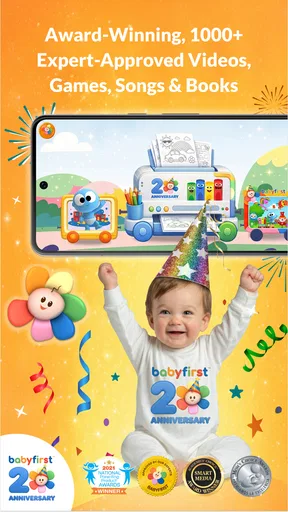
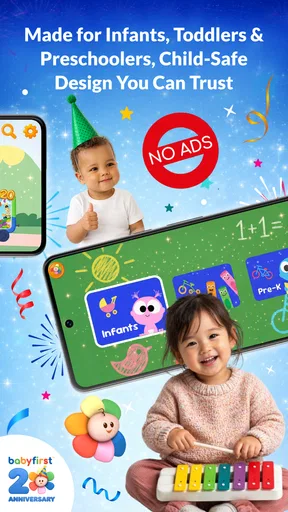
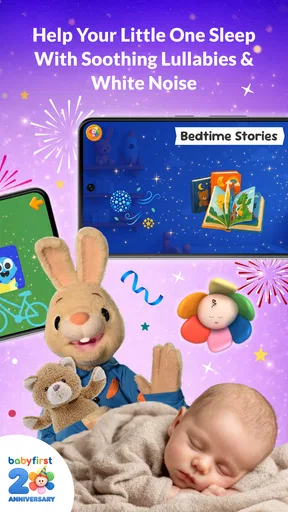
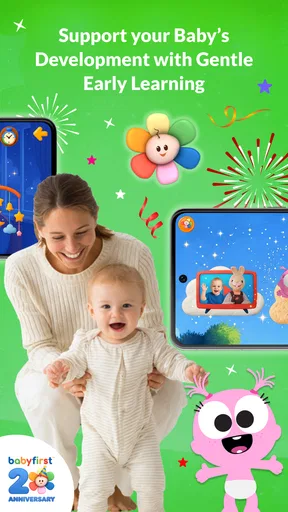
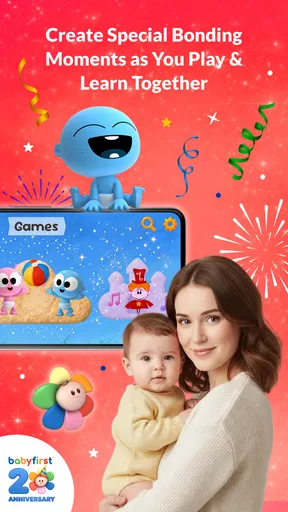
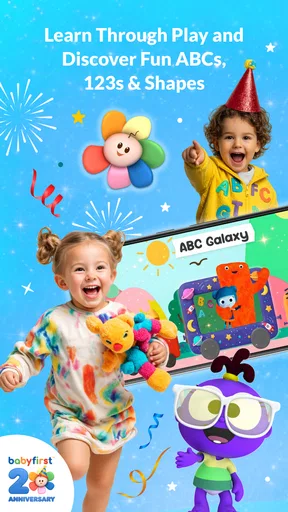
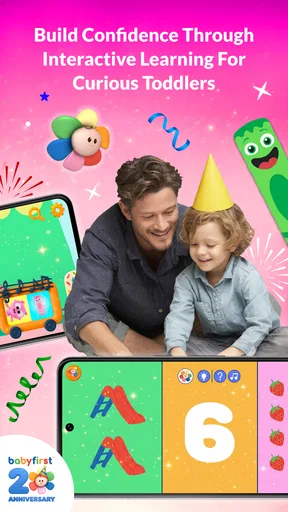
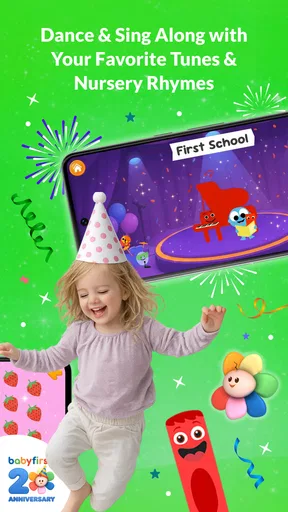
 Analysis by AppCompare
First™ | Fun Learning For Kids is an education app from First Media US aimed at babies, infants, toddlers, and the families guiding them. I approached it less like a conventional course and more like a small activity space for early learning: something a parent can open during a quiet moment, explore with a child, and put away before attention starts to fade. That distinction matters, because its value depends as much on how an adult uses it as on what appears on the screen.
It is free to download, carries an Everyone age rating, and has been available since September 13, 2012. The app has passed one million installs and holds a 3.9 average from around 8,100 ratings, with roughly 1,600 written reviews. Those figures suggest a well-known option in its niche, although the rating also tells me to keep expectations realistic: this is not a perfect fit for every family or every device.
How First™ feels during everyday use
I find the best way to judge a young-child learning app is to look beyond whether it keeps a child occupied: the adult should be able to shape the moment, set sensible boundaries, and stay involved. In the next section, I’ll focus on the choices a caregiver can make around a session, especially the practical steps that help keep a brief activity intentional rather than letting it run on autopilot.
Quick sessions are where the app makes the most sense
When I think about speed in an app for very young children, I do not expect the same experience as opening a simple notes app. A child may tap repeatedly, move between activities, or hand the device back and forth to a parent. The useful question is whether the app gets out of the way quickly enough for that short burst of attention to remain productive.
First™ works best when I treat it as a ready-to-use activity rather than a lesson that needs a long setup. A parent can choose a calm moment, open the app, and sit beside the child instead of preparing worksheets or searching through several unrelated videos. That convenience is its strongest practical advantage. It turns a spare few minutes into an opportunity for naming, noticing, listening, or practicing basic concepts together.
I would still avoid judging it by a single tap. Early-learning apps often feel slower when the child is touching everything at once, especially on an older phone or tablet. A better routine is to open it before handing over the device, check that the volume is comfortable, and keep only the intended activity in front of the child. This small habit reduces interruptions and makes the experience feel more immediate.
The app is particularly suitable for transitions: before leaving the house, while waiting for an appointment, or during a brief pause when a caregiver needs a structured distraction. I would not use it as an automatic solution every time a child becomes restless. Its educational value is much clearer when an adult talks about what the child is seeing instead of letting the screen become background noise.
Worth Reading Before You Choose

EA SPORTS FC Mobile 26 Is a Bigger Football Game, but It Takes Time

Flipboard Shows What News Apps Must Do Beyond the Feed

Switching to Android Auto Means Rethinking Your Driving Routine

Google Calendar Makes a Crowded Week Easier to Manage

Ludo King Makes the Most of the Minutes Between Plans

Baby Panda World Brings Quick Play to Modern Phones, but Its Game Library Feels Busy
What happens when a child uses it heavily
The demanding moments are not necessarily long sessions. A short activity can become more taxing when a child repeatedly taps, switches around, turns the volume up, or asks an adult to restart something. In those situations, the experience depends on the whole device: available storage, memory, battery condition, screen responsiveness, and the number of other apps left open.
My practical advice is to close unrelated apps before a longer family session and keep the device charged if you are using it away from home. That is not unique to this title, but it is especially helpful with children because they are unlikely to wait patiently while a parent troubleshoots. A simple preparation step can prevent a minor delay from becoming the end of the activity.
There is also a content-management issue. Because the app is designed for a wide early-childhood audience, a parent should preview activities and decide what suits the child’s age and current ability. A baby who is exploring sounds and colors needs a different level of support from a toddler practicing recognition or following simple prompts. The broad audience is convenient for families with more than one young child, but it means the adult has to provide the filtering.
For travel, I would test the exact activities you plan to use before leaving home. I would not build an entire journey around the assumption that every part of a child-focused app will behave identically in every situation. Preparing a backup activity, such as a book or a downloaded offline option from another source, is sensible parenting rather than a criticism of this particular app.
Stability matters more than visual polish here
With a children’s app, reliability is not just about whether it opens. It is also about whether the child can understand what to do, whether the adult can recover from an accidental tap, and whether a short interruption ruins the flow. First™ earns credit for being focused on one clear purpose: early learning for young children and their families. That focus makes it easier to return to the app without learning a complicated system.
At the same time, I would keep an adult nearby, especially with a baby or a child who is still learning how touchscreens work. Young users can leave an activity unintentionally, alter settings, or press controls that make the next step unclear. Parental involvement is not merely a safety precaution; it also turns the app from passive screen time into a conversation. Asking a child to point, repeat a sound, or identify an object gives the activity more value than tapping through it alone.
If the app stops responding, my recovery routine would be straightforward: pause, return to the app if possible, and restart it only if necessary. I would also check whether the device itself is responding normally before blaming the app. On a shared family device, a full restart can be useful after many hours of general use, but it should not be the first step for every small hesitation.
The version listed for the app is 7.6.2.0. That is useful context for anyone comparing experiences across devices, because behavior can vary after an update or between older and newer hardware. I would install it from the official app store, keep the operating system supported, and pay attention to whether the current version behaves consistently on the device used by the child.
Older devices and family tablets need a little planning
The minimum operating-system requirement is Android 6.0. That makes the app accessible to families using older Android hardware, but compatibility on paper does not guarantee an equally smooth experience on every device. A device that technically meets the requirement may still have limited memory, a tired battery, a slow touchscreen, or very little free storage.
This is where expectations should be practical. On a newer tablet, I would expect a more comfortable experience when a child and parent explore together. On an older phone, I would keep sessions shorter and avoid running several other apps at the same time. A small screen can also make shared use awkward: the child may see clearly, but the adult may have difficulty guiding a finger without covering the content.
Resource demands are another reason to avoid treating the app as a babysitter. Even if the app itself feels manageable, prolonged screen use can drain a small battery, and a device already crowded with photos, games, and videos may have less room to work comfortably. Before installing it on a child’s hand-me-down device, I would remove unused apps, charge it fully, adjust the display, and test the volume at a family-friendly level.
Android 6.0 support is helpful, but families using iOS should check the appropriate App Store version and device compatibility before planning around it. I would also confirm that the child’s profile or family settings on the device are configured as intended. The app is rated Everyone, yet an age rating does not replace a parent’s judgment about screen time, supervision, or the suitability of a particular activity.
Where it beats ordinary alternatives
The usual alternatives for early learning are physical picture books, songs with a caregiver, general video platforms, and broader educational suites. Each has a place. A picture book is calmer and does not need charging. A parent-led song is more interactive and can be adapted instantly. A general video service may offer more variety, but it can also introduce distractions and make it harder to keep the child focused.
First™ sits between those choices. It gives a child more visual and interactive guidance than a static book, while keeping the purpose narrower than an open-ended video platform. Compared with a broad learning subscription, its appeal is simplicity: families can try a focused early-learning app without immediately committing to a large curriculum. The trade-off is that it may not provide the depth, progression, or detailed tracking a parent wants from a dedicated educational program.
I would choose this app over random children’s videos when I want the device session to have a clear learning intention. I would choose a physical book over it when the child is already overstimulated, when the battery is low, or when the family wants a screen-free bedtime routine. I would choose a more structured learning service for an older child who needs measurable practice, a defined sequence, or stronger school-readiness planning.
One useful workflow is to pair the app with something away from the screen. After an activity, I might ask the child to find a matching color in the room, point to an object named on screen, or repeat a sound while putting the device aside. This turns a short digital activity into a bridge to real-world learning. It is a more thoughtful use than extending the session simply because the child is still quiet.
What families should know about cost and control
The app is free, but it includes optional in-app purchases ranging from $0.99 to $74.99 per item. That is the most important practical detail for parents who share a device with a child. I would review purchase controls before allowing independent tapping, protect the store account with authentication, and make sure a child cannot approve a purchase accidentally.
The presence of optional purchases does not automatically make the app unsuitable, but it changes how I would set it up. The adult should explore the free experience first and decide whether it fits the child before spending anything. If a family wants a completely predictable cost structure, a physical book or an app with a single upfront price may feel easier to manage.
I also would not assume that paying for extra material solves every limitation. More content can add variety, but it does not replace supervision, conversation, or a suitable device. The best reason to consider an optional purchase would be that a child genuinely benefits from a particular activity and the family has already established sensible screen-time boundaries.
Who will enjoy it, and who should skip it
First™ is a good match for parents, grandparents, and caregivers who want a gentle starting point for shared digital learning. It is especially useful for families with very young children, households that want one app covering several early stages, and adults who prefer guided activities to browsing a general entertainment service.
I would also recommend trying it for a child who loses interest in printed materials quickly but enjoys touching, listening, and responding on a screen. The app can provide an entry point, provided the adult keeps asking questions and connects the activity to the child’s surroundings.
I would skip it, or at least postpone it, if the main goal is independent study. Babies and toddlers are not likely to gain the full benefit without an adult interpreting, encouraging, and setting limits. I would also look elsewhere for formal progress reports, advanced academic instruction, or a carefully staged program designed for older learners. A child who is easily overstimulated may do better with a quiet book, music led by a parent, or a short offline game.
My overall view is positive but measured. The app’s strongest quality is convenience with a clear early-learning purpose; its weakest point is that convenience can tempt adults to use it as a substitute for interaction. Performance will also depend on the age and condition of the device, the number of other apps running, and how the family manages optional purchases.
For a free education app from First Media US, with an Everyone rating and support beginning at Android 6.0, it is a reasonable tool to keep available for short, supervised sessions. The around 3.9 average indicates a mixed experience rather than universal approval, so I would test it on the family’s actual device instead of relying only on popularity. Its one million-plus installs show that many families have tried it, but popularity should not decide whether it suits your child.
My recommendation is to use First™ as a shared activity, not a replacement for a caregiver. Prepare the device, preview the session, protect purchase settings, and follow screen time with a real-world conversation or hands-on task. Used that way, First™ | Fun Learning For Kids can be a practical addition to a young child’s learning routine. If you need deep curriculum structure, detailed progress tracking, or a fully screen-free experience, another option will serve you better.
Pros
- Playful activities help children practice early reading
- math
- and logic skills.
- Bright visuals and simple controls are suitable for young children.
- Short lessons make it easy to fit learning into a busy daily routine.
- Progress tracking helps parents see which skills their child is practicing.
- Child-friendly content avoids distracting social features and open web access.
Cons
- Some learning activities may feel repetitive after extended use.
- The app may require a subscription to unlock its full content library.
- Younger children may still need adult help with navigation and instructions.
- Performance and loading speed can vary across older mobile devices.
- The educational approach may not match every child’s learning pace or style.
FAQs for First™ | Fun Learning For Kids
What is First™ | Fun Learning For Kids?
First™ | Fun Learning For Kids is an educational app designed to help young children learn through interactive activities, games, and age-appropriate challenges. It generally focuses on foundational skills such as letters, numbers, colors, shapes, early vocabulary, and problem-solving. The playful format is intended to make learning feel entertaining while giving parents a convenient way to support early development at home.
What age group is First™ | Fun Learning For Kids suitable for?
The app is primarily aimed at preschool and early-learning children, although the ideal age can vary depending on a child’s existing skills and the activity being used. Younger children may benefit from practicing recognition and basic vocabulary, while older preschoolers can work on counting, matching, memory, and simple problem-solving. Parents should review the available content to confirm that it matches their child’s level.
Does First™ | Fun Learning For Kids require an internet connection?
Some features may work without a constant internet connection, particularly if the relevant learning content has already been downloaded or loaded on the device. However, internet access may be needed for the initial installation, updates, account-related functions, new content, or subscription verification. Before traveling or giving the device to a child offline, it is sensible to open the app and test the activities you expect to use.
Is First™ | Fun Learning For Kids free to download and use?
The app may be available to download at no initial cost, but certain lessons, activities, or extended features can depend on in-app purchases or a subscription. Parents should check the current store listing for pricing, trial conditions, renewal details, and exactly what is included in the free version. To prevent unexpected charges, review device purchase settings and keep parental approval enabled.
Is First™ | Fun Learning For Kids safe for children?
First™ | Fun Learning For Kids is designed for children, but parents should still supervise initial use and review its privacy, advertising, and purchase policies before handing over the device. Check whether the app includes external links, voice or data collection, account requirements, or third-party services. Using parental controls, limiting notifications, and choosing a distraction-free learning environment can make the experience safer and more focused.


